Support for spell checking was added to Vim in version 7, before that there was different plugins adding support to vim. But its nice with a built in support, especially if you, like me - sit in a locked environment where you cannot add any programs or plugins you want.
Activate
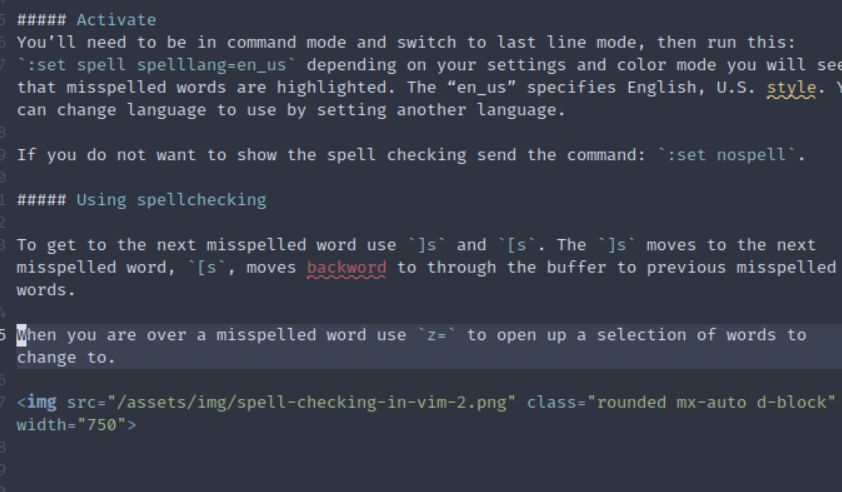
You’ll need to be in command mode and switch to last line mode, then run this: :set spell spelllang=en_us depending on your settings and color mode you will see that misspelled words are highlighted. The “en_us” specifies English, U.S. style. You can change language to use by setting another language.
If you do not want to show the spell checking send the command: :set nospell.
Using spellchecking
To get to the next misspelled word use ]s and [s. The ]s moves to the next misspelled word, [s, moves back through the buffer to previous misspelled words.
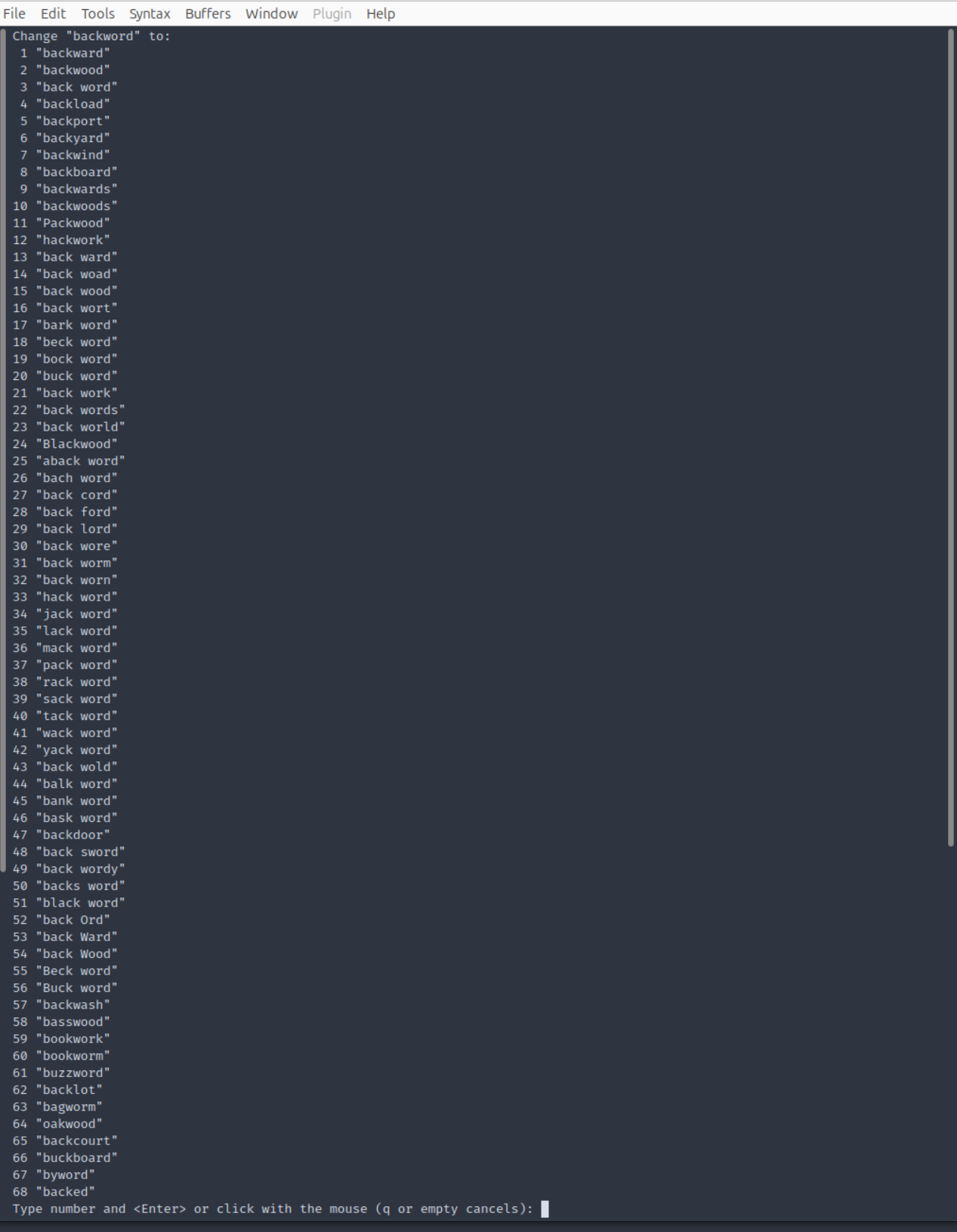
When you are over a misspelled word use z= to open up a selection of words to change to.
 Hi! I’m NIklas Hilding. I’m a consultant team leader and software engineer.